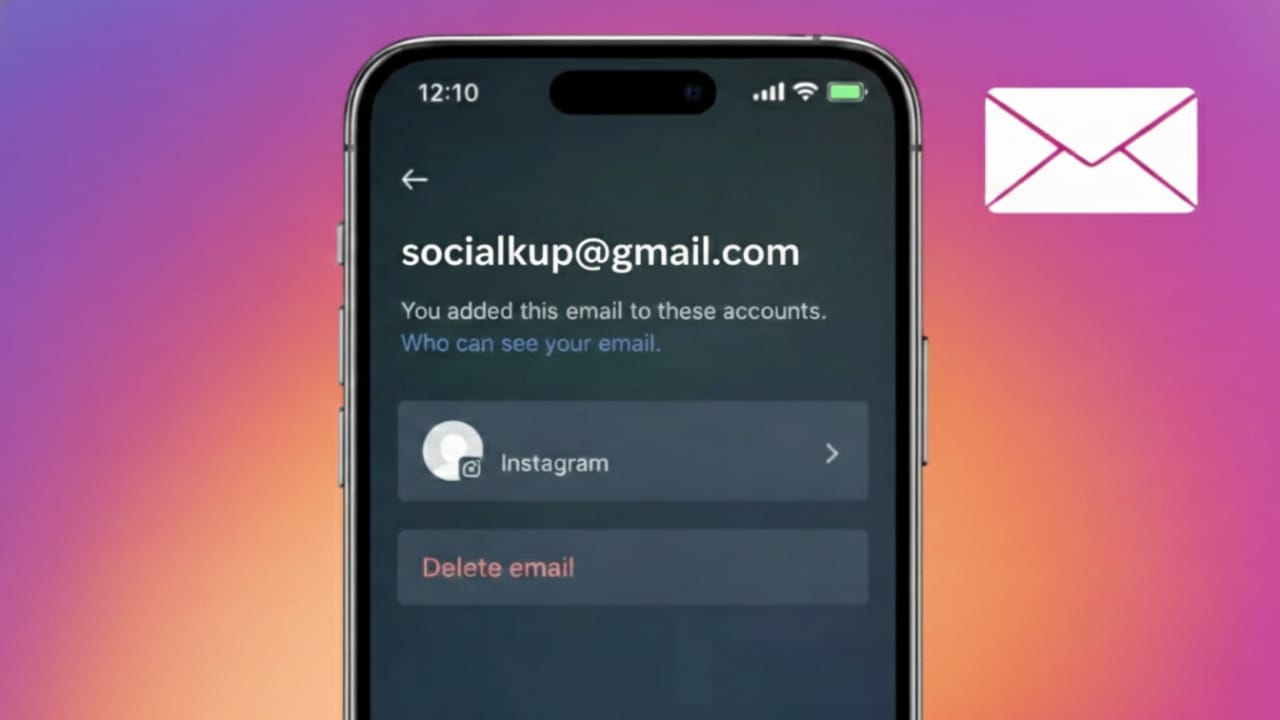
If you’ve been on Instagram for years, it’s completely normal to forget the email address you used when creating your account. Many users sign up quickly, change emails over time, or even have someone else set up the account for them.
The good news? Instagram provides safe and official ways to view the email connected to your account. In this guide, you’ll learn how to find your Instagram email using the app settings and other reliable options—without risking your account security.
Also read: How to Enable High-Quality Uploads on Instagram (Step-by-Step Guide)
Why Your Instagram Email Matters
Your registered email is more than just a contact detail. It plays a critical role in keeping your account secure and accessible.
Instagram uses your email for:
- Password recovery and account access
- Login alerts and security notifications
- Identity verification
- Updating important account settings
If you don’t know which email is linked, recovering your account during a login issue can become stressful and time-consuming.
How to Check Your Instagram Email Using the App
This is the most direct and recommended method, and it works on both Android and iPhone.
Step-by-Step Instructions
- Open the Instagram app and log in
- Go to your profile page
- Tap the menu (☰) in the top-right corner
- Select Settings and privacy
- Open Accounts Center
- Tap Personal details
- Choose Contact info
You’ll see the email address currently connected to your Instagram account.
Check Email from the Edit Profile Section
In some cases, Instagram also shows your email in profile settings.
How to Find It
- Go to your profile
- Tap Edit profile
- Look for the Email address field
Depending on your privacy settings, Instagram may display the full email or a partially hidden version.
Find Your Instagram Email Using Password Reset
If you can’t access your account settings, this method can still help you identify the email.
Steps
- Open the Instagram login screen
- Tap Forgot password?
- Enter your username
- Instagram will display a masked email address
Example:s****@gmail.com
Even though it’s hidden, this usually gives enough clues to recognize which email you used.
What If You No Longer Have Access to That Email?
If the linked email is inactive or inaccessible, updating it should be your priority.
How to Change Your Instagram Email
- Go to Settings and privacy
- Open Accounts Center
- Tap Personal details
- Select Contact info
- Add a new email address
- Confirm it using the verification code sent by Instagram
Always use an email you control and check regularly.
Can You Add More Than One Email to Instagram?
No. Instagram allows only one primary email address per account.
You can change it whenever needed, but only one email stays active at a time.
Best Practices to Keep Your Instagram Email Secure
To avoid future login issues, follow these simple tips:
- Use an email you access daily
- Enable two-factor authentication
- Avoid shared or office emails
- Update your email immediately if you lose access
These small steps can save you from major account recovery problems later.
Also read: How to Change Your Instagram Password on Mobile and Desktop (Step-by-Step Guide)
FAQs
Can I see my Instagram email without logging in?
No. You must have access to the account or use the password recovery screen to identify it.
Why does Instagram hide part of my email?
For privacy and security reasons, Instagram masks emails in certain sections.
Will changing my email affect my followers or posts?
No. Updating your email does not impact your profile, followers, or content.
Conclusion
Finding the email linked to your Instagram account is simple when you use Instagram’s official tools. Whether you check through account settings, profile details, or the password reset option, there are safe ways to identify and manage your email.
Keeping an active and secure email connected to your account is essential for long-term access and protection. Take a moment to review it now—it can save you from future headaches.

Yogi Rajput is the author of Uscart.in, where he writes simple and helpful content about AI and how-to guides for beginners.