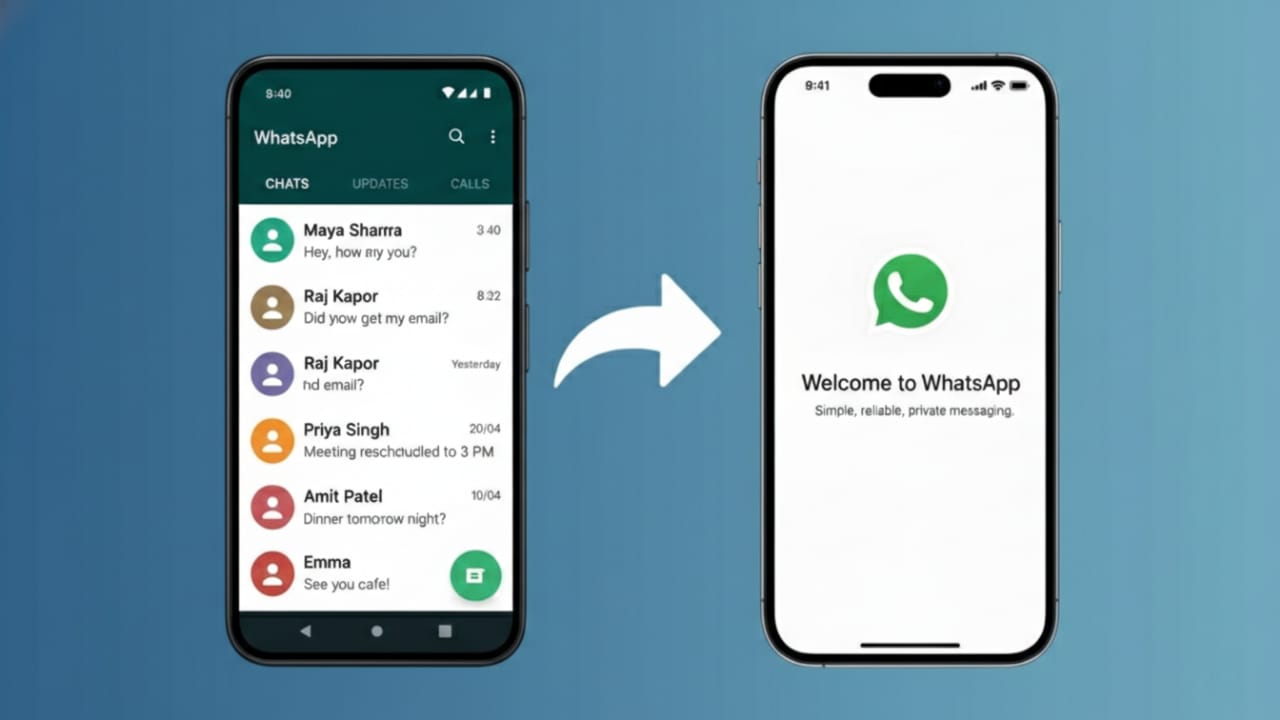
For a long time, WhatsApp users were limited to one phone per account. If you tried logging in on another device, your account would log out from the first one. That limitation is finally gone.
WhatsApp now offers an official multi-device feature that allows you to use the same WhatsApp account on two phones without violating any rules. No risky apps, no hacks, and no account bans.
In this guide, you’ll learn the correct, safe, and official way to do it—step by step.
Also read: How to Watch Instagram Reels While Chatting on WhatsApp (Android & iPhone Guide)
Can You Use One WhatsApp Account on Two Phones?
Yes, you can.
WhatsApp officially supports this feature through Companion Mode, also known as Linked Devices. It lets you connect a second phone to your primary WhatsApp account securely.
This feature is built directly into WhatsApp, which means:
- No third-party apps are required
- No cloning or dual apps are needed
- Your account remains fully safe and compliant
What Is WhatsApp Companion Mode?
Companion Mode allows a second phone to mirror your main WhatsApp account. Once linked, both phones can send and receive messages using the same number.
Unlike older workarounds, this method is:
- Approved by WhatsApp
- Encrypted end-to-end
- Stable and reliable
How to Use One WhatsApp Account on Two Phones (Official Steps)
Follow these steps carefully to avoid any issues.
Step 1: Install WhatsApp on the Second Phone
- Download WhatsApp from the Google Play Store or Apple App Store
- Open the app
- Tap Agree and Continue
- Do not enter your phone number
Step 2: Choose “Link to Existing Account”
- On Android: Tap the three-dot menu at the top
- On iPhone: You’ll see Link to Existing Account directly
- Select this option to activate Companion Mode
A QR code will appear on the second phone’s screen.
Step 3: Link the Second Phone to Your Main Phone
Now use the phone where WhatsApp is already active.
- Open WhatsApp
- Go to Settings
- Tap Linked Devices
- Select Link a Device
- Scan the QR code shown on the second phone
Within moments, your chats will sync automatically.
You’re now successfully using the same WhatsApp account on two phones.
What You Can Do on the Second Phone
Once linked, the second phone offers almost the full WhatsApp experience:
- Send and receive messages
- Access existing chat history
- Share photos, videos, and documents
- Send voice notes
- Use WhatsApp even when the main phone is offline (for a limited time)
This makes it practical for daily use, not just viewing messages.
Important Limitations You Should Know
To stay within WhatsApp’s official rules, keep these points in mind:
- You cannot change the phone number from the second device
- Account settings remain controlled by the primary phone
- Unofficial apps or tools are not supported
- Linking works only through Linked Devices
These limitations help maintain security and privacy.
Why You Should Avoid Unofficial Methods
Some online guides still promote unsafe shortcuts like:
- Modified WhatsApp apps
- App cloning tools
- Cracked APK files
Using such methods can result in:
- Temporary or permanent account bans
- Loss of personal data
- Privacy and security risks
For long-term safety, always use WhatsApp’s built-in features only.
Benefits of Using One WhatsApp Account on Two Phones
This official feature is especially useful if you:
- Use two smartphones daily
- Manage personal and work communication together
- Travel frequently
- Want seamless access without logging in and out
Key advantages include:
- Strong security with end-to-end encryption
- Automatic message syncing
- No risk of policy violations
FAQs
Can I use WhatsApp on two phones with the same number?
Yes, WhatsApp officially allows this using the Linked Devices feature.
Will my chats stay private?
Yes. End-to-end encryption remains active on all linked devices.
Do I need my main phone to be online all the time?
No. The linked phone can work independently for some time, though periodic syncing is required.
Is this feature free?
Yes. WhatsApp does not charge anything for multi-device usage.
Also read: How to Move WhatsApp Chats to Arattai Messenger Safely (Step-by-Step Guide)
Conclusion
Using one WhatsApp account on two phones is no longer complicated or risky. With WhatsApp’s official Companion Mode, you can securely link a second phone and enjoy a smooth, reliable messaging experience.
As long as you stick to the built-in Linked Devices option and avoid unofficial tools, your account remains safe, private, and fully compliant with WhatsApp’s policies.
If you want a clean, professional, and future-proof setup—this is the right way to do it.

Yogi Rajput is the author of Uscart.in, where he writes simple and helpful content about AI and how-to guides for beginners.