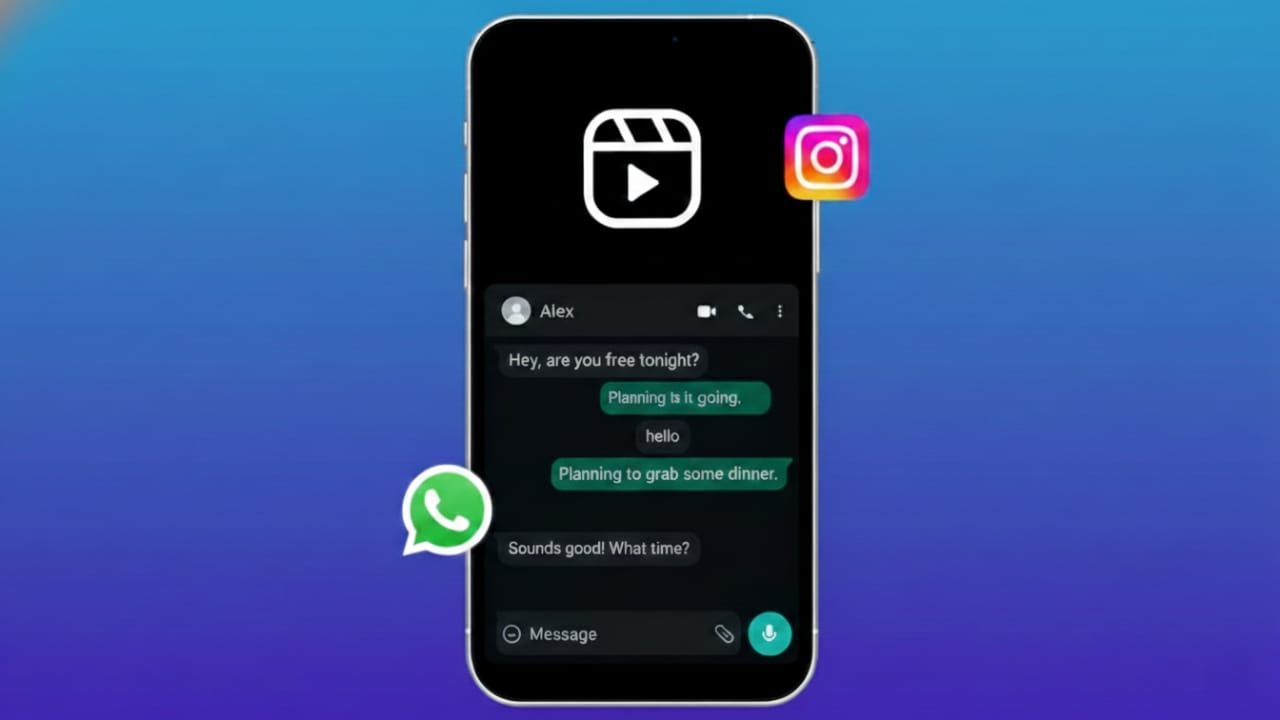
Many people enjoy scrolling through Instagram Reels but don’t want to pause their WhatsApp conversations. Constantly switching between apps can be annoying and time-consuming.
The good news is that modern smartphones already offer built-in multitasking features that allow you to use Instagram and WhatsApp together—without installing any risky third-party apps.
In this guide, you’ll learn official, safe, and practical methods to watch Instagram Reels while replying to WhatsApp messages on both Android and iPhone devices.
Why Use Instagram Reels and WhatsApp at the Same Time?
Using both apps together can make your daily phone usage more efficient. Here’s why many users prefer this setup:
- Reply to messages while watching Reels
- Share interesting Reels instantly in WhatsApp chats
- Avoid switching apps repeatedly
- Save time and stay focused on conversations
- Improve multitasking during work or leisure time
Method 1: Use Split Screen on Android
Most Android smartphones support a split screen or multi-window feature. This allows two apps to run side by side on the same screen.
How to Enable Split Screen
- Open Instagram and start watching Reels.
- Open the Recent Apps screen (tap the square button or swipe up and hold).
- Tap the Instagram app icon at the top.
- Select Split Screen or Open in Split View.
- Choose WhatsApp from the app list.
Instagram will appear on one part of the screen and WhatsApp on the other. You can resize both windows using the divider to suit your comfort.
Best for: Android users who want true multitasking without interruptions.
Method 2: Use Floating Window or Picture-in-Picture on Android
Some Android devices offer a floating window or picture-in-picture (PiP) style feature for supported apps.
Steps to Try This Method
- Start playing a Reel on Instagram.
- Press the Home button or use gesture navigation.
- If supported, the Reel continues playing in a small floating window.
- Open WhatsApp and chat normally while the Reel plays.
⚠️ Availability depends on your phone brand and Android version. Not all devices support this feature for Instagram.
Best for: Users who want Reels playing in a small movable window.
Method 3: iPhone Users – Smart App Switching
iPhones do not currently support split screen or floating windows for Instagram. However, you can still make multitasking smoother.
Use Instagram in Browser Mode
- Open Safari and visit instagram.com.
- Tap the Share icon and select Request Desktop Site.
- Add the page to your Home Screen.
- Open WhatsApp and switch between apps using swipe gestures.
While this isn’t a true split screen experience, it allows faster app switching with fewer interruptions.
Best for: iPhone users looking for a safe and official workaround.
Tips for Smoother Multitasking
To get the best experience while using Instagram and WhatsApp together, keep these tips in mind:
- Keep both apps updated to the latest version
- Use a stable Wi-Fi or high-speed mobile data connection
- Enable chat bubbles (where available on Android)
- Close unnecessary background apps to improve performance
- Use phones with larger screens for better visibility
Is It Safe to Use These Methods?
Yes. All the methods shared above rely on built-in smartphone features and official app usage. There’s no need for third-party apps, modified software, or unsafe tools—making this approach secure and AdSense-friendly.
Also read: How to Move WhatsApp Chats to Arattai Messenger Safely (Step-by-Step Guide)
FAQs
Can I watch Instagram Reels and reply on WhatsApp at the same time?
Yes. Android users can use split screen or floating window features, while iPhone users can switch apps smoothly using browser shortcuts.
Does Instagram support picture-in-picture officially?
Support depends on your Android version and phone manufacturer. It may not work on all devices.
Is using split screen bad for phone performance?
No. Modern smartphones are designed to handle multitasking efficiently, especially when both apps are updated.
Conclusion
Watching Instagram Reels while chatting on WhatsApp is completely possible using your phone’s built-in multitasking features. Android users benefit from true split screen and floating windows, while iPhone users can rely on smart app switching through Safari.
These methods are safe, official, and easy to use, making them perfect for users who want entertainment without breaking conversations. With the right setup, you can enjoy Reels and stay connected—at the same time.

Yogi Rajput is the author of Uscart.in, where he writes simple and helpful content about AI and how-to guides for beginners.